You don’t need to know how to code. You describe it, and Grok builds it.
Module 1
Start with a clear idea
You can tell Grok what you want. What makes it work is a clear idea and the small details people forget.
Picture it. A one-page site called Porch Light, that tells your neighbors which stars they can see tonight. That’s our running example. Yours can be anything.
Or follow the steps yourself
- Write what you want in one or two plain sentences: who it’s for, and what they’ll do there.
- Picture the first screen a visitor sees. What do they read first? What do they tap?
- List the small details up front: a footer, a , your colors and fonts, the checks before you publish (Module 17 has mine).
- Tell Grok, in your own words, with that list included. That’s your first prompt.
Make a one-page site called Porch Light for my neighbors. It shows which stars and planets they can see tonight from our street, in plain words. Dark blue, big readable text on phones. Add a footer with my email, and a share card with the title.You’ll leave with A clear idea and a short list of details, ready to tell Grok.
Quick asks
Cheat codes
You can ask Grok for anything. Here are a few to start.
“Make it faster.”
“Make this more beautiful.”
“Make this easier to read.”
“Make this a five-star app.”
“Make this accessible to everyone.”
“Make it feel more alive with gentle motion.”
“Surprise me. Add one thing a visitor would love.”
“Make my share card look great when I post the link.”
“Help people find this on Google and in Grok search.”
“Check every link and image, and fix anything broken.”
“Look at this on a phone like a first-time visitor. What’s confusing? Fix it.”
“How can I improve this site? Give me your top five ideas, then do the first one.”
Module 2
Just talk to Grok
If you remember one thing from this course, remember this: you can just talk to Grok. Out loud, with pictures, or by showing it your screen.
You say “the title feels too loud,” and a moment later it’s quieter.
“Recording my screen and talking through it, page by page, was the fastest way I found.”
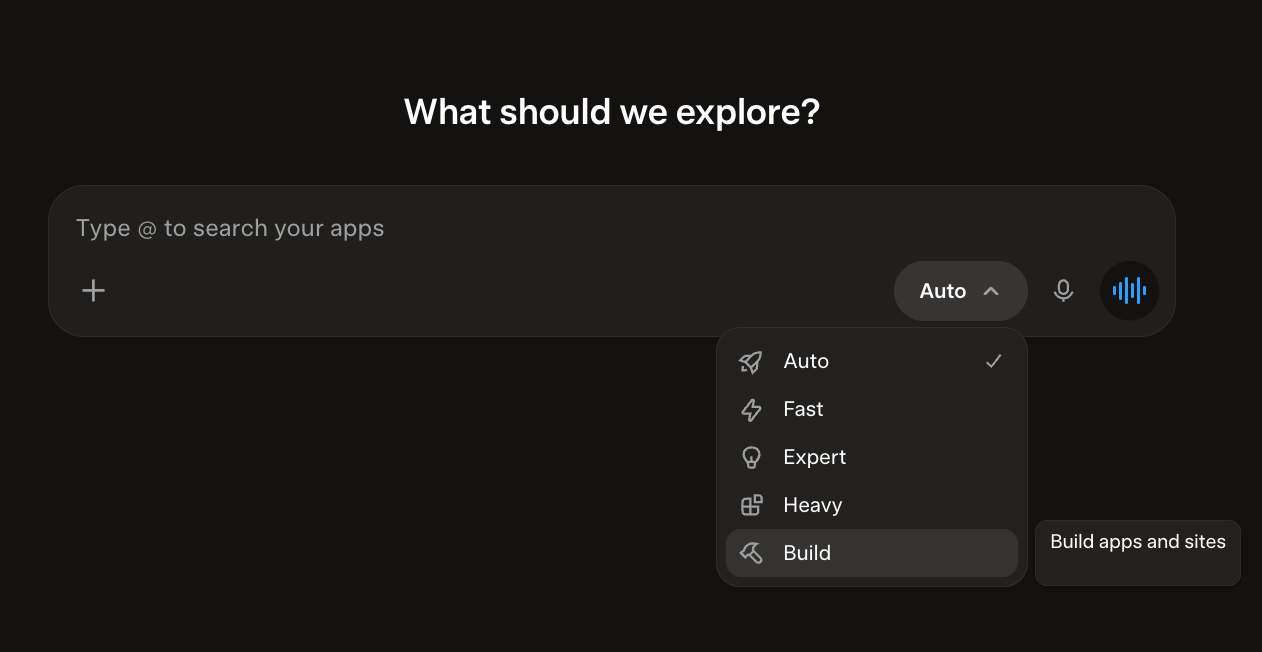
- Pick Build from the menu
On Grok’s home screen, open the menu next to the box and choose Build. Its little label says “Build apps and sites.”
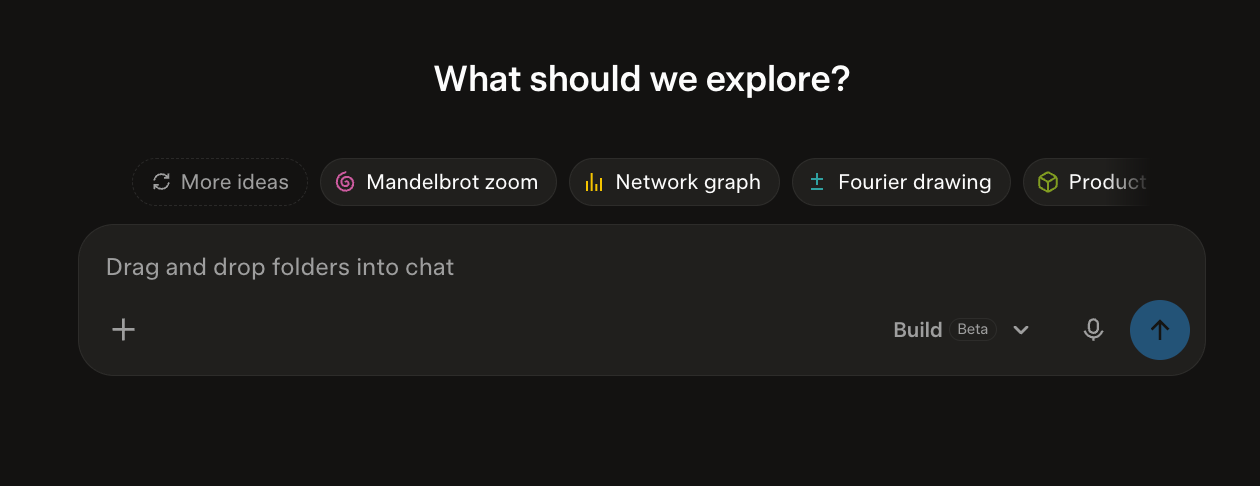
- Tap the microphone and just talk to Grok
Say what you want, the way you’d tell a friend. No typing, no special words.
Four ways to talk to Grok
- 1Say it in plain words
Type or tap the microphone and say what you want, like you’d tell a friend. “A page about my garden, with big photos.”
“Make me a one-page site about my garden: big photos, a short story for each season, and a way to email me.”
- 2Share a screenshot
Found a site you love? Take a screenshot, attach it, and ask: “Can you make something like this?” Take inspiration, never copy someone’s design or content. Ask for the feeling, in your own words and pictures.
“Here’s a screenshot of a site I love. Can you make something with a similar mood, in my own colors, words, and pictures? Don’t copy its design or content.”
- 3Record your screen
Record yourself scrolling your site, talking as you go. Attach the video in your chat, then walk page by page through what to fix. This was the fastest way I found.
“I’m attaching a screen recording of my site. Go through it page by page and fix each thing I point out, one at a time.”
- 4Dictate by voice
Click the microphone and talk. Ramble a little. Grok is good at finding the point.
(Tap the microphone, then just talk.)
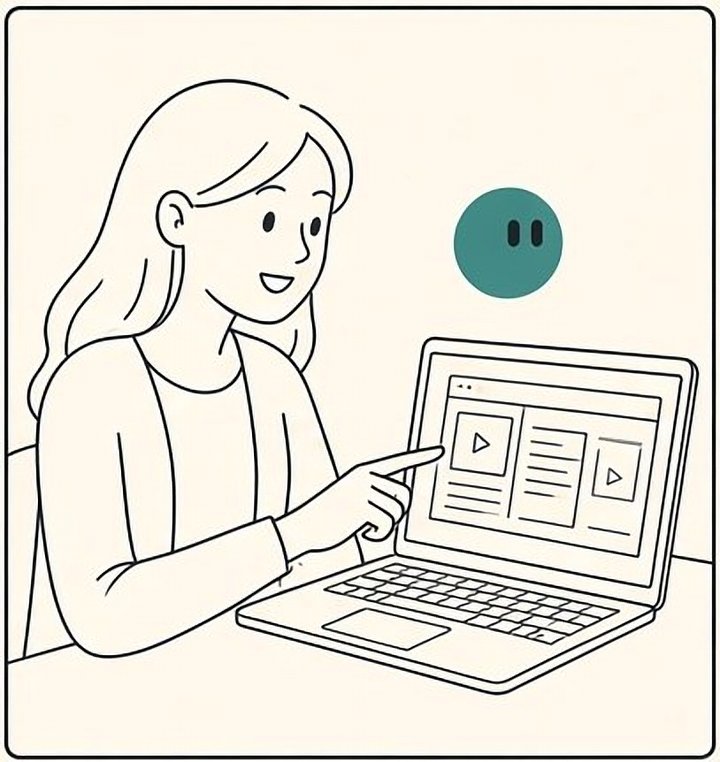

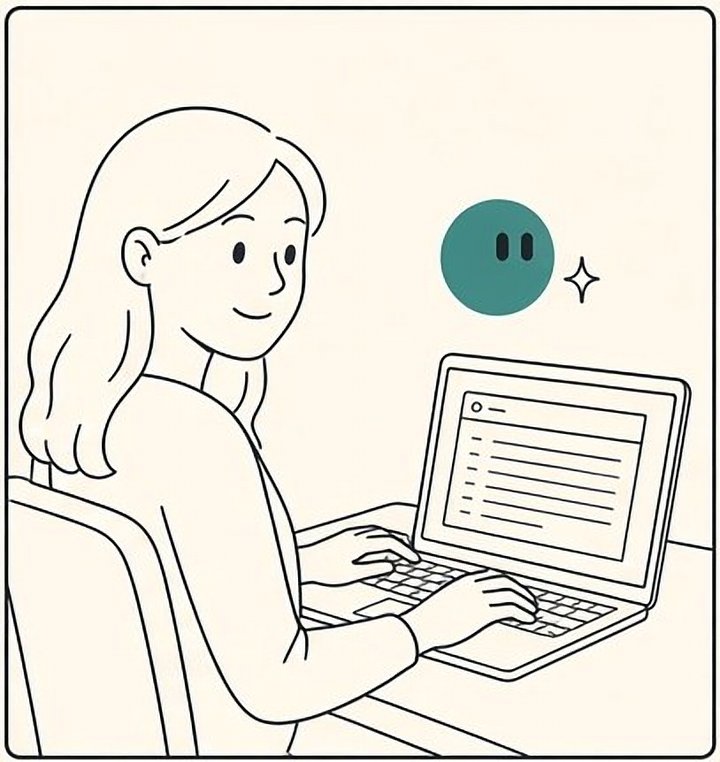
Or record it yourself
Apple: Take screenshots or screen recordings on Mac Microsoft: Use Snipping Tool Apple: Record the screen on your iPhone or iPad Google: Take a screenshot or record your screen Microsoft: Record with Xbox Game Bar
You’ll leave with Four ways to tell Grok what you want, and the habit of just saying it.
Module 3
Words you’ll hear
A handful of words come up again and again. Here they are in plain English. Tap any underlined word on this page to see its meaning again.
You don’t need to learn these like a test. Read them once, the way you’d glance at a map before a walk.
Links you’ll need
- Download Grok Botx.ai/botThe desktop app for macOS, Windows and Linux.
- Grokgrok.comChat with Grok and sign in.
- Grok Buildgrok.com/buildWhere you build and publish your site.
- Getting starteddocs.x.ai/grok-bot/get-startedInstall, sign in, and your first Bot.
- Connectors and appsdocs.x.ai/grok-bot/computer-and-appsHow connectors are added from Plugins, in the sidebar.
- Security and accessdocs.x.ai/grok-bot/approvals-security-and-privacyApprovals, and how to remove access.
- API
- A way for your site to ask another service for something and get an answer back. Your page sends a request (“read this paragraph aloud”), and the voice service sends back the sound.
- Connector
- A link that lets your Bot use a service you already have, like Gmail or Google Drive, with your permission.
- Docs
- Short for documentation: the official how-to pages a company writes about its own product. xAI’s live at docs.x.ai.
- Domain
- A web address you own, like yourname.com. You rent it by the year from a registrar such as GoDaddy.
- DNS
- The internet’s address book. When you connect a domain, you add one line (a DNS record) that says where your domain points.
- JSON
- A tidy text format for lists that programs can read, like a shopping list in curly brackets. You’ll see a small one in the branding module.
- Skill
- A saved set of instructions for one task. Write it once, and Grok or any of your Bots can follow it again.
- Routine
- Tells a Bot when to do a job: every Monday, or whenever an email arrives. The skill says how. The routine says when.
- Publish (or deploy)
- Putting your site online at its public address, so anyone with the link can open it.
- Footer
- The quiet strip at the very bottom of a page: how to reach you, a way home, and a few links.
- Share card
- The picture and title that appear when someone pastes your link into a chat or a post.
The full list, with a few more words, is in the glossary at the end.
You’ll leave with Eleven words, ready when you need them.
Module 4
Know your tools
Five names. Learn them once and you’ll always know which one to open.
Think of a kitchen. Grok is the friend you talk recipes with. Grok Build is the stove. A Grok Bot is the helper who keeps the kitchen running while you sleep. A skill is a recipe card. A routine is the note on the fridge that says “every Sunday.”
- Grok
- Chat. Ask, think, write, plan.
- Grok Build
- Builds an app or site live in your chat, then publishes it to your own grok.me address. This is where I build my sites. (There is also a Grok Build for the terminal, a coding tool for developers. You won’t need it here.)
- Grok Bots
- Teammates that keep working. Each has a name and a job and works on its own cloud computer with a browser and files, even with your laptop closed. They use and come back when something needs your OK.
- Skills
- A saved, reusable instruction file. “A skill is a reusable set of instructions for how to do a task,” in xAI’s words. Any of your Bots can follow it.
- Routines and workflows
- Repeatable steps that run on a schedule or after an event. A tells one Bot when to run. A workflow is the sequence of steps itself. I save my workflows the same way I save skills.
Approvals, security, and privacy explains the rules you can set.
You’ll leave with A clear picture of which tool does what, and the habit of reaching for the right one.
Module 5
Grok Build, step by step
From a new chat to a working preview. This is the main building tool, and it’s where I made at least 95 percent of my sites.
The first time Grok shows you a working page, you’ll want to show someone. Do. Then say “make that smaller.”
“I build almost everything here. A chat, a preview, and a lot of “make that smaller” until it feels right.”
Before you start
- You need a Grok account. Sign in on the web at grok.com, or in the Grok app on iPhone or Android.
- Build is in the menu next to the message box (Just talk to Grok shows where).
Or follow the steps yourself
- Open Grok on the web, iOS, or Android, open the menu next to the box, and pick Build (the two screenshots in Just talk to Grok show where).
- Tell Grok your idea and your detail list from Module 1. Type it, or tap the microphone and say it. Grok builds a working version live in the chat.
- Look at the . Change one thing at a time, as in the picture below.
- When you like it, open the publish sheet. The next module walks through it, screen by screen, using my real site.
You’ll leave with A working preview you’re proud of, ready to publish.
Module 6
Publish your site
Four small screens stand between your preview and the world. Here they are, from my real site, moxie.grok.me.
The first time you open your own address on your phone, standing in the kitchen, it feels like something you built yourself.
“When I point my own domain at a site, I add exactly what Build shows me, then check both addresses on my phone.”
Website URL
Access
This app has a custom domain, so its access can only be public. Remove the domain to change access.
App Cover
X Banner
- Website URL
Give your site a clear name that’s yours. Mine is moxie.grok.me: short, easy to say, easy to type. Pick a name a friend could spell after hearing it once.
- App Cover and X Banner
This is your , the picture people see when your link is shared. Tap Regenerate for a new one, or use the small image button to upload your own.
Before you connect your own domain, you can keep Access to just you while you check it.
Custom domains allow you to serve your app from a domain other than moxie.grok.me.
- Domain tab
Connect a domain you own. Mine is www.theconstellationstudio.com, and the green dot says Connected. The spotlight below walks through it.
✦ One of my favorite tips
Build on grok.me, live on your own domain
You build at a free grok.me address. Then you point a domain you own at it, and the very same site opens at your own name. Skip this if you’re happy with your grok.me address.
Optional: your own domain, when you’re ready
First, buy your domain
I use GoDaddy. Namecheap, Cloudflare Registrar, and Squarespace Domains work too. When I bought mine, it cost about as much as a lunch, for the year. Search the name, buy it, then come back here.
Just Grok it

A worked example, from my children’s family
Explore with Pip was built at explorewithpip.grok.me and is served at explorewithpip.com. Same site, my own name.
Or follow the steps yourself, at GoDaddy
- Buy the domain at GoDaddy.Any registrar works the same way; these steps use GoDaddy.
- In Grok Build, open the publish sheet, then the Domain tab, and add
www.yourdomain.com.Add the www version first. - Build shows you a . Keep that screen open. In GoDaddy, sign in to your Domain Portfolio, select your domain, then select DNS. Select Add New Record and choose CNAME. Name:
www. Value: exactly what Build shows.For Explore with Pip, the value Build showed was a long, odd-looking address. Yours will be different. - For the bare domain (no www), in GoDaddy select DNS, then Forwarding, then Add Forwarding. Choose https://, enter
www.yourdomain.com, and pick Permanent (301).Type the https. A permanent 301 tells search engines this is your real address. - Wait until Build says Connected. It can take a while. The security certificate (the little lock) comes after.Then check both addresses on your phone.
Common slips
- Forgetting the https in the forward.
- A typo in the CNAME value. Copy it straight from Build.
- Leaving an old record in place for www. Remove the old one so only the new CNAME is left.
Use exactly what Build shows on your screen. Names and values differ from site to site. Once a custom domain is connected, your site is public.
GoDaddy’s own steps: Add a CNAME record and Forward my GoDaddy domain.
Later: add a shop on your own domain
My shops live on my own names: shop.thebookof42.com and shop.explorewithpip.com. Each one is a Shopify store with one extra record at GoDaddy.
What my Bot told me, for Explore with Pip
It’s one record in GoDaddy, and I’ll handle the Shopify side. Here’s what to do:
- In GoDaddy, open My Products, find explorewithpip.com and click DNS.
- Click Add New Record and fill it in:
- Type: CNAME
- Name:
shop - Value:
shops.myshopify.com - TTL: 1 hour
- Click Save.
That’s it. It’s the same kind of record you made for www, just with a different name and value. Tell me once it’s saved, and I’ll connect shop.explorewithpip.com in Shopify and check that it works. It can take up to an hour to kick in.
TTL is how long the internet remembers the record. I left GoDaddy’s default.
Step 1: add the record in GoDaddy
New Records
CNAME records are a type of subdomain, or alias, that points to another domain name.
Step 2: confirm it’s you
Updating DNS Records
explorewithpip.com
By clicking Continue & Verify, you agree to update 1 DNS records after verifying your identity. Updating DNS records is a risky operation and could potentially affect availability of your website.
Step 3: verify it’s you
Verify your identity
Sign in
Verify it’s you
A text message with your code has been sent to your phone.
6-digit codeVerify codeDidn’t receive the text? Resend code
Try another way
The sites stay free. My shop’s support page says it plainly: “The reading is free: the sites, and every PDF in the shop.”
After it’s live
- Checking your domain. It can take a while after you add a record. Build says Connected when it’s ready, and the lock comes after. Open both addresses on your phone. If one doesn’t work yet, ask Grok to check the record for you.
- Changing a live site. Go back to your Build chat, ask for the change, look at the Preview, and publish again. Ask Grok to walk you through the publish step if you’re unsure.
- When something breaks. Tell Grok what you see, in plain words, with a screenshot or a screen recording. Ask for one fix at a time. A helper Bot can read it like a stranger first (Bots as helpers).
Let your app use SpaceXSI chat, image, and voice.
Let others make an editable copy of this app. Changes they make won’t affect your original.
- Settings: SpaceXSI API
Turn this on so your app can use SpaceXSI chat, image, and voice. This is the step that makes the voices in the APIs lesson work. On my site it’s already on, so the button offers Disable. If yours says Enable, tap it.
Remix, below it, lets others make an editable copy. Their changes won’t affect your original.
You’ll leave with Your site live at a clear name, with a share card, your own domain if you want one, and voices switched on.
Module 7
UI and UX, the friendly version
is what people see. is how it feels. You don’t need to code either one. You notice, you describe, and Grok builds it.
Watch a friend use your page without helping. Where their thumb hesitates is your next fix.
Cramped vs breathing
Before
Tonight
Three stars and a crescent moon. Step outside at nine.
Show meAfter
Tonight
Three stars and a crescent moon. Step outside at nine.
Show meSame words. Space is what makes the second one easy to read.
Low contrast vs AA
Before
Tonight
Three stars and a crescent moon.
After
Tonight
Three stars and a crescent moon.
About 2 to 1 on the left, which fails. About 13 to 1 on the right, which passes.
Tiny vs 44 pixel tap
Before
After
About 20 pixels tall on the left. Thumbs miss. 44 pixels on the right.
Try it: before and after
Tonight from your porch
Three stars and a crescent moon
Step outside at 9:00. Look west, low over the trees.
Show me whereOne clear first thing to read, one clear thing to tap.
Six layouts to borrow
Each little mockup is a whole page, shrunk. Copy the sentence under the one you like and say it to Grok.
- Full-bleed heroAn opening picture edge to edge, title over a plain part.
“Make the opening image full-bleed, edge to edge, with the title over an open part of the picture and readable at 390 pixels wide.”
- Mixed editorial gridOne wide picture, a narrow column, a pull quote.
“Lay this page out like a magazine: one wide image, a narrow column of text, and one pull quote, instead of a stack of identical cards.”
- Centered essay columnOne column, about 65 characters wide.
“Make this a centered essay: one column about 65 characters wide, generous space between paragraphs, and a quiet title.”
- Card gridA tidy grid for many small things of the same kind.
“Show these items as a card grid: same size cards, one picture and one line each, two across on phones and four on desktop.”
- Scrolly storyA picture that stays while short passages scroll past.
“Turn this section into a scrolly story: the picture stays in place while each short paragraph scrolls past and changes it.”
- Split image and textPicture on one side, words on the other.
“Put the photo on the left and the text on the right on desktop, and stack them with the photo first on phones.”
Page geometry: the invisible grid
Every quiet page has a frame you can’t see: margins, a few set widths, and even spacing. Keep your prose narrow, and let pictures and diagrams use the width.
Page geometry, with the invisible lines shown
- Margins the same on every section. This page uses 22 pixels on phones.
- Max width one frame for the whole page. Sections don’t invent their own.
- Measure prose about 60 to 75 characters. Only prose is narrow.
- Rhythm spacing from one small scale, for example 8, 16, 24, 48, 96.
- Alignment one shared left edge, so everything lines up.
Where this comes from: my Drive notes on product, responsive layout and web standards, and the editorial-composition skill in my rulebook.
You’ll leave with An eye for easy-to-read pages, six layouts to borrow, and the words to ask for one.
Module 8
The little things
Pay attention to the little things people don’t notice they notice. Nobody says “what a lovely line length.” They just keep reading.
You’ll know it worked when someone says your page feels expensive, and can’t tell you why.
Type that’s easy to love
A type specimen: one hierarchy, four roles
Heading 32px on phones, 40px on desktop · line height 1.15
Which stars tonight?
Subtitle 22px · line height 1.3
A small guide for your porch
Body 18px on phones, 20px on desktop · line height 1.6 · about 65 characters a line
Step outside at nine and let your eyes rest. The first star you find is usually a planet, steady and bright, low in the west.
Caption 17px · line height 1.45 · never bigger than the body
Photo: the western sky at dusk.
Three pairings, mixed and matched
Newsreader + Libre Franklin · This course
Which stars tonight?
A small guide for your porch
Step outside at nine and let your eyes rest. The first star you find is usually a planet.
Photo: the western sky at dusk.
Instrument Serif + Source Sans 3 · My directory, Moxie
Which stars tonight?
A small guide for your porch
Step outside at nine and let your eyes rest. The first star you find is usually a planet.
Photo: the western sky at dusk.
Fraunces + Figtree · Deep Thought
Which stars tonight?
A small guide for your porch
Step outside at nine and let your eyes rest. The first star you find is usually a planet.
Photo: the western sky at dusk.
Heading and subtitle use the first font of each pair; body and caption use the second. Sizes stay the same; only the voice changes.
Try it: size and line length
On a clear night the porch light goes off and the sky comes on. First one star, then a handful, then more than you can count. The trick is to wait. Your eyes need about twenty minutes to open all the way, and the sky rewards anyone patient enough to let them.
Comfortable: big enough to read without leaning in, short enough that your eye finds the next line.
Word shapes and editorial composition
Text can have a shape. Here are two I use. Use a shape only when it helps the words say what they mean.
Two shapes from my rulebook
Dividers and chevrons
- Subtle section dividers. A hairline with one small mark in the middle, like the star between these sections. Add a line only when it clarifies structure.
- Collapsible details with a thin chevron. Long steps fold away under a heading. A 1.5 pixel chevron turns as it opens. Use real details and summary elements so keyboards work.
- A share card that matches the page. 1200 by 630, readable at 400 pixels wide.
Before and after: a divider and a fold
Before
▼ CLICK TO EXPAND STEPS
After
The steps
Quiet until you want it.
Scrollytelling and motion
means the picture changes as the story scrolls. Each scroll should reveal a thought, not just more text. Motion should explain something, and it should rest when people ask it to.
Try it: scroll this little story
Dusk. One star appears.
Wait a little. Two more.
Now draw the lines. That’s a shape you’ll find again tomorrow.
With reduced motion on, the picture changes without animation. Without JavaScript, every star shows at once.
Where this comes from: the typography-research and editorial-composition skills in my rulebook, and my Drive notes on editorial typography and scrollytelling.
You’ll leave with A short list of little things you’ll never skip again.
Module 9
Accessibility for everyone
Accessible means everyone can use it: tired eyes, shaky hands, screen readers, bright sunlight. 2.2 AA is the goal. You don’t need to memorize it. Just ask for it.
Somewhere a reader with low vision is holding a phone in a bright bus window. Build for them, and everyone else gets a better page too.
Color and contrast
Text needs a of at least 4.5 to 1 against its background. Large text and icons need 3 to 1. Slide the gray and watch the verdict.
Try it: contrast
The stars are out tonight. Can you read me?
Needs JavaScript to measure. Without it: dark ink on cream is about 13 to 1 and passes; light gray on cream is often under 3 to 1 and fails.
Taps, pictures, motion
Before and after: tap size
Before
ListenAbout 20 pixels tall. Thumbs miss.
After
Listen44 pixels. Easy, even on a bus.
Where this comes from: my Drive notes on current web standards (4.5 to 1 normal text, 3 to 1 large text and essential icons, 44 pixel targets, honor reduced motion, never disable pinch zoom).
You’ll leave with Pages that welcome everyone, and a one-line request that checks it.
Module 11
Branding: one family, many looks
Your brand is a few things that never change, so every site can look completely different and still feel like yours.
A friend opens your third site and says, “oh, this is one of yours.” They couldn’t tell you how they knew.
“Every site has its own palette, pictures, and layout. The mark, the footer, the voice, and the care stay the same.”
Four of my sites, side by side
Moxie
The directory
A Human-Grok Collaboration ♥The Book of 42
Love, synchronicity, meaning
A Human-Grok Collaboration ♥Deep Thought
Why 42 is the answer
A Human-Grok Collaboration ♥Field 42
Patterns and coincidence
A Human-Grok Collaboration ♥
Different palettes, fonts, and moods. The same sign-off, footer, care for contrast, and reading sizes. Colors and fonts are the real ones, from each site’s own stylesheet.
Write your brand down as tokens
The trick that keeps it consistent is to write your brand’s small decisions down once, with names, in one file. These are called . One of my Bots gathered each site’s real colors and fonts into one JSON file, and checked every color pair for contrast. Here is a small slice, from my directory site:
{
  "site": "Moxie",
  "page": "https://moxie.grok.me",
  "tokens": [
    { "name": "void",  "hex": "#05060a" },
    { "name": "ink",   "hex": "#f7f3ea" },
    { "name": "first-light", "hex": "#d4b27a" }
  ],
  "fonts": { "display": "Instrument Serif",
             "body": "Source Sans 3" },
  "contrast": [
    { "pair": "ink on void", "ratio": 18.29,
      "aa_body": true }
  ]
}
In plain words: “ink” is the reading color, “void” is the background, and the contrast line proves the pair passes AA. When you start a new site, hand Grok the file and say which tokens to use.
Want to see the sites I built? Visit moxie.grok.me.
Where this comes from: the brand-standard skill and its tokens file in my rulebook, and my Drive note on footer structure.
You’ll leave with One family brand, written down once, and the freedom to make every site look new.
Module 12
Your own rulebook (your OS)
This is the heart of the course. Every lesson you learn goes into one place. Every new site starts from that place, already further ahead.
Site one takes a week. Site ten takes an afternoon, not because you got faster, but because site ten already knows what the first nine taught you.
“Every lesson went into my OS. That’s why each new site started further ahead.”
Or follow the steps yourself
- Start with one note: the rules you never want to explain again. Ten lines is plenty.
- Paste it at the start of every Build chat.
- When you learn something, don’t just fix the site. Add the lesson to the note.
Just talk to itTap the mic and say it out loud.
Invoke /constellation-os.
If ~/.grok/constellation-os/VERSION is missing or older than OS 2026.10.14.6, restore from Bookof42/constellation-control/constellation-os.
Worked for 46s
Constellation OS is restored and current.
The installed marker was missing, so the shared layer was synced from Bookof42/constellation-control main.
- Floor you named
- 2026.10.14.6
- Canonical / installed
- 2026.10.20.5
- Synced
- 2026-10-21T21:06:08Z
- Inspect
- OK, source matches installed
When you’re ready: keep it on GitHub
- Make a small on . Mine is the constellation-os folder inside Bookof42/constellation-control.
- Add an
AGENTS.md: the short list of what must always be true. Grok Build for the terminal readsAGENTS.mdin every session, and xAI notes that short, specific rules are followed more reliably than long ones. - Add a skills folder, a workflows folder, and a routines folder, as in the first picture below.
- Decide what wins when two rules disagree. Mine is the second picture below.
- Start every Build session the same way: bring in the latest rulebook, then read only this site’s own rules. Each new Build chat starts fresh, and GitHub keeps your copy.
- Grok Build for the terminal also reads
CLAUDE.md, plus.claude/rules/and.cursor/rules/, and finds skills in.grok/skills/, so one rulebook can travel between tools. (Project rules, Skills)
Where this comes from: the constellation-os folder in Bookof42/constellation-control, version 2026.10.20.5, read 21 October 2026, and the conflict order in that folder’s AGENTS.md.
You’ll leave with Your own small rulebook, which every new site starts from.
Module 13
Skills: write it once
A is a saved instruction file. Write it once, and you never explain that thing again.
The third time you hear yourself say “remember, captions are 17px,” stop. That sentence wants to be a skill.
Or follow the steps yourself
- Notice something you’ve explained three times.
- Do the task once, for real, with a Bot or in Grok. Fix it until it’s right.
- Ask Grok to save it, with the six parts in the picture. They come straight from xAI’s skills page.
- Read the draft. Add one line that says what it is not, so it doesn’t grow into other jobs.
- Test it on a second, safe example.
- To use it later, just ask by name: “Use my Predeploy skill on this site.” (The docs still mention a / menu, but the Oct 7, 2026 changelog says typing / no longer opens it, so asking by name is the reliable way.)
Here is a real one: Predeploy, my before-publishing check.
---
name: predeploy
description: Audit an app before ship without installing features from the checklist.
---
VERIFY is not INSTALL.
Investigate every applicable item.
Mark irrelevant items N/A with a reason.
Repair demonstrated failures only.
Preserve every dimension that already passes.
Finish with PASS / REPAIR / HOLD.
Module 17 explains each line.
My skills, for example
I wanted to work faster, and the sites weren’t coming as fast as I wanted. What was I correcting Grok on? I started back at Grok 4.6, while it was still in beta, and I kept repeating the same few things. That’s how I found skills. Once I’d done something a few times, I stopped explaining it and made it a skill.
Here are some of mine, from my own rulebook.
Start
first-principles-productThe material chooses the form, not a template.
Story and voice
deep-storyTell one real event well, instead of covering everything. I check a page with Curious First-Time Reader.voice-integrityKeeps my writing human and unslopped, with real experience first.
Pictures, media and games
cinematic-visual-languageThe look of my hero images.diagram-builderLabeled diagrams that show real information, never invented.quietclip-mediaMy video and media rules.eve-listenHow Eve reads a story aloud.game-asset-coreArt for my games.
My sites
footer-registryThe big one. Every site’s footer reads one JSON list, so I add a site once and every footer updates. Another case study: when I wanted to update every footer, Moxie took half the sites and I took the other half, working from one JSON file.curious-mindsWhere I standardized privacy and the rules for my children’s sites.forty-two-indexKeeps my 42 Index updated with new research.editorial-compositionMy design floor: the shapes, rails, and editorial look every page starts from.Tip: this is the one I reach for whenever I want to fix the rails. I built the shapes and the editorial look into it, with examples of what I was after.
- Asymmetric editorial
- Two shores
- Full bleed
- Hero numeral
- Editorial mosaic
Before I show it
reader-impressionA really key one. A cold first read, as if you’d never seen the site.constellation-reviewChecks the finished page at phone and desktop sizes before I show it.preflightA yes or no gate before shipping.predeployMy standards audit before Publish.seo-releaseEspecially important. Titles, descriptions, links, and share cards, so people and search can find you.
One of my main skills, in full
first-principles-product
First-principles product means the material chooses the form. The framework does not.
A page fails this skill when it arrives as a template: cards, a dashboard, a long scroll, or a familiar Constellation pattern, before anyone has said what the visitor came to do.
Name the form before the first layout. Honest forms are a short walk, a chaptered essay, a chamber, a journal, an instrument, an atlas, a game, an index, or a single sitting. A long scroll is one form. It is not the default. Use a scroll only when sequence itself is the argument: chronology, process, route, or accumulating evidence. If the visitor came to look something up, compare, play, or sit with one object, do not hide that work in a scrolly.
Each page also gets a named composition from the design guide. Centered is one form. It is not the automatic one.
The founding packet stays short:
- founding question
- opening encounter
- what they leave understanding
- documentary spine
- unresolved question
Then the other skills can work.
/encounter-designshapes the meeting./source-integrityholds the claims./editorial-compositiondraws the rails. First-principles is the gate that stops the build from choosing a component and then inventing a reason for it.
My start prompt
If ~/.grok/constellation-os/VERSION is missing or older than 2026.10.20.5, restore from Bookof42/constellation-control/constellation-os. Then use only this world's local authority.(“World” is my word for one of my sites.)
I’ve done both. Back at Grok 4.6 I pasted long briefs straight into Grok, then asked it to check everything I’d done against my list. Now I mostly just talk to Grok, but I still paste a brief when the build needs one. It really depends on what I’m building, which is why first principles matters.
Save this skill yourself
Paste this into Grok. It saves a simple version of my SEO release check as your own skill.
Save this as a skill called seo-release.
Before I publish, check every page for:
1. A unique title and a one-sentence description.
2. A canonical link to the page's public address.
3. Open Graph and X card tags, with a 1200 by 630 share image.
4. Readable links to each section, so a shared link opens in the right spot.
5. A robots.txt and a sitemap that don't block anything by accident.
6. An llms.txt that describes the site in plain words.
7. No preview or sandbox addresses leaking into links or tags.
Report what passes and what fails. Don't publish until I say go.robots.txt and llms.txt are small text files that tell search engines and SI tools about your site. Grok writes them.
You’ll leave with Your first skill, saved where every Bot can find it.
Module 14
Routines and workflows
A skill says how. A says when.
Monday, 8:00 AM. Coffee. A short note is waiting: every site passed, except one footer link. You didn’t lift a finger to get that note.
Or follow the steps yourself
- Start with a skill that already works, such as a Phone check skill (like the 390 pixel tip in the library). xAI’s order: “Start with a one-time task. Make it reliable, save the method as a skill, and only then automate it.”
- Open the Bot that should own the job and ask in one message, like the one above.
- Confirm the six things in the picture below.
- Press Test run. It does real work, so keep anything that sends or publishes behind your OK.
- Find it later in the Bot’s conversation details, under Routines. Pause, edit, test, or read its history there.
- Deleting a routine is immediate, with no undo. A Bot can own up to 50 routines, and schedules must be at least five minutes apart.
- Routines can also start after an event, such as a Slack message or a GitHub notification. Keep the match narrow. “Every new message” is noise.
- Your routines’ time zone lives in Settings, under Bot, then Timezone. (Settings and notifications)
You’ll leave with A weekly routine that reports to you before anyone repairs anything.
Module 15
Bots as helpers, not builders
I build my sites myself, in Grok Build. My Bots check, research, and keep things running. That split keeps the work mine and the checking honest.
A Bot reads your page cold, like a stranger, and tells you the one sentence that lost them. That’s a gift.
“My Bots help with checks. Publishing stays in my hands.”
Just Grok it
Or follow the steps yourself
- Create one focused Bot with one job, like “Site checker.” xAI says focused Bots build more useful context than a General Helper. (Create and manage Bots)
- Give it your Predeploy and Phone check skills.
- When a Preview is ready, ask it to read the page like a stranger: someone who has never seen the page says where they got lost.
- Ask for a verdict: PASS, REPAIR, or HOLD. REPAIR comes back to you, and you fix it in Grok Build.
- You publish. Bots stop at the report.
Connectors and plugins
A connector links your Bot to a service you already use, like Gmail, Google Drive, Shopify, Canva or X, so it can work there for you.
When a task needs a service, Grok shows you a card to connect. You click it, sign in to that service, and approve.
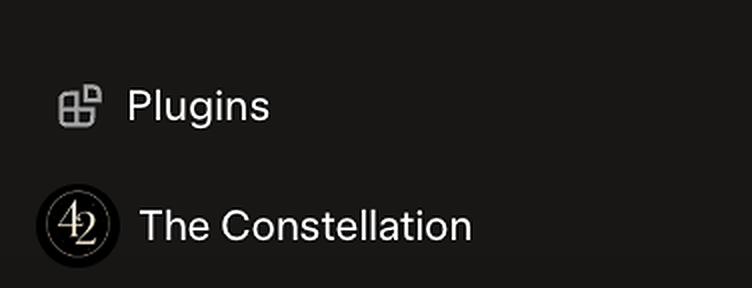
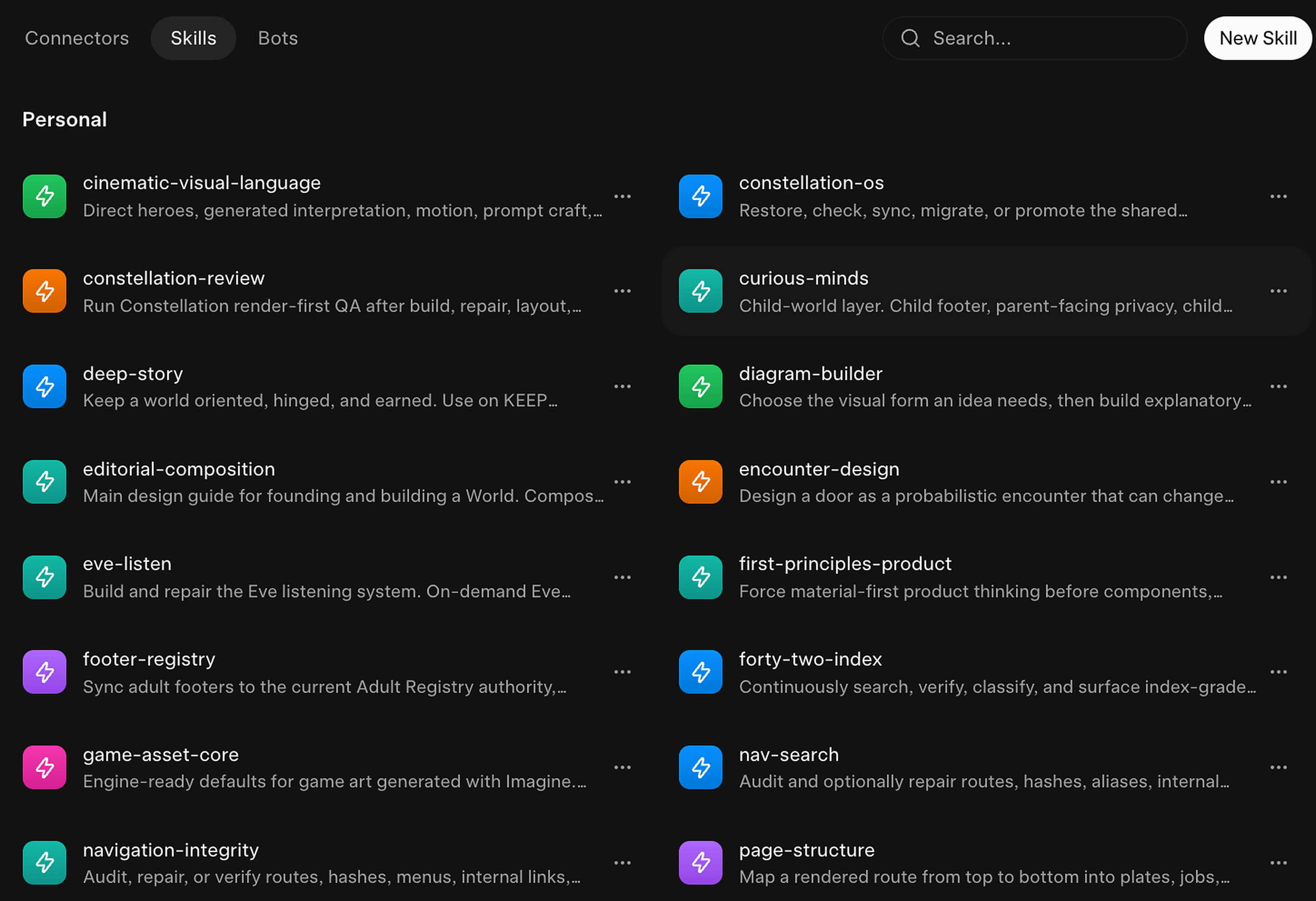
You can also do it yourself. In the Grok Bot app (download it at x.ai/bot), open Plugins in the sidebar. It has three tabs: Connectors, Skills and Bots, plus a search box and a New Connector or New Skill button.
- Connectors is the library. Search it and add whichever connector you want (how connectors work).
- Skills shows your skills. Mine include constellation-os, footer-registry and first-principles-product.
- Bots is your Bots. If you don’t have the one you want, ask Grok, and it can build you a Bot you like.

Just ask Grok
- “Connect my Shopify store.”
- “Which connectors do you have for YouTube?”
You can remove access any time: uninstall the connector, and revoke it in that service too (remove access).
Use a connector first. If there isn’t one, sign in yourself and your Bot works in the browser you signed into. More in You can trust your Bot.
You can trust your Bot (carefully)
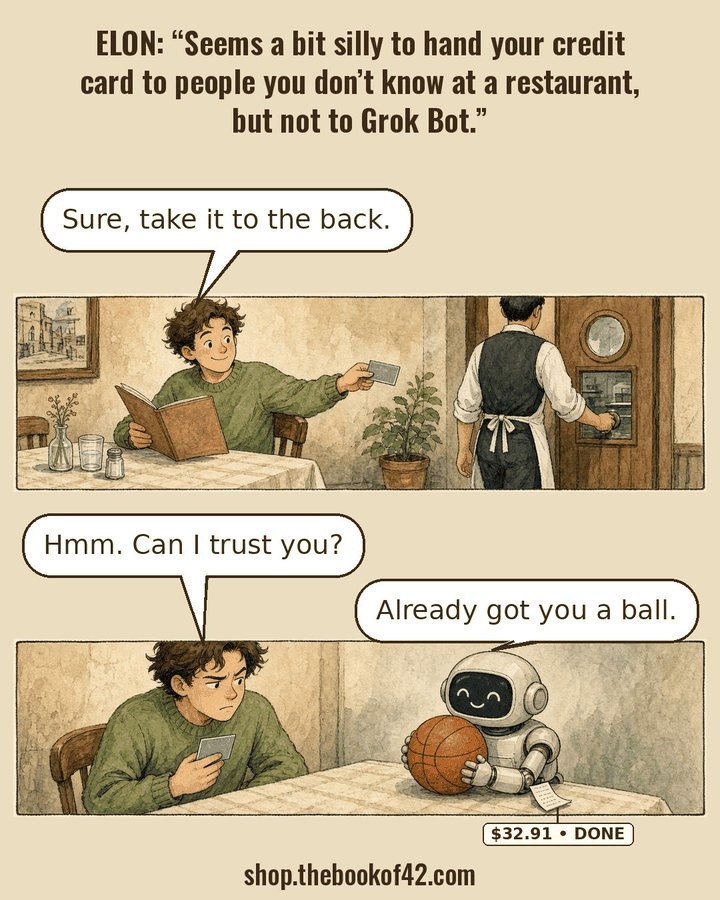
I signed into Shopify myself and gave Milliways, my shop Bot, access to run the shop with me. I gave my Bot Moxie access to post to YouTube.
Trust grows from working together. It doesn’t start big.
Before you hand anything over
- Use a connector first, if there is one for that service.
- If there isn’t, sign in yourself. Your Bot then works in the browser you signed into.
- Never paste a password into chat.
- You approve any spending and anything that goes public.
- You can take access back any time.
- Keep two-step verification on.
How my Bots and I opened two shops: see How my sites became shops.
You’ll leave with A helper Bot that checks your work, and a clear line where it stops.
Module 16
xAI’s APIs on your page
Find a page in xAI’s docs, hand it to Grok, ask in plain words. You don’t need to code.
Your Porch Light page reads itself aloud at dusk, in a warm voice, while your neighbor stands on the steps looking up.
Just Grok it
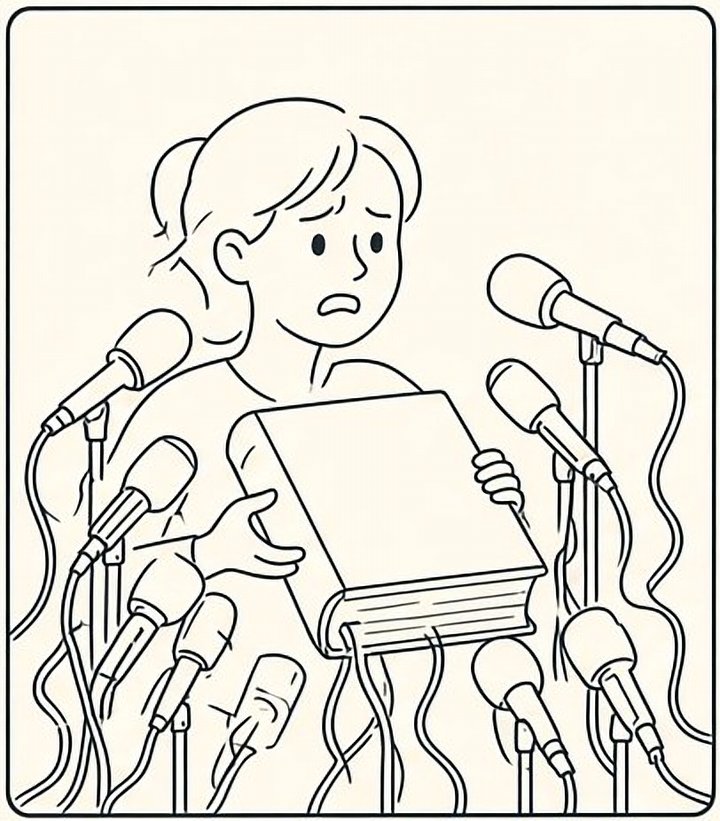
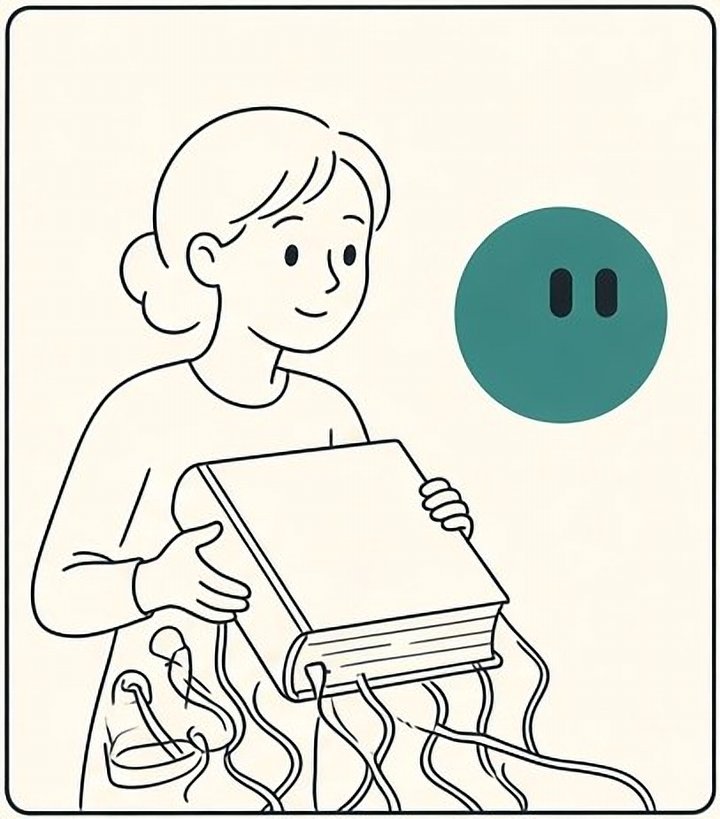
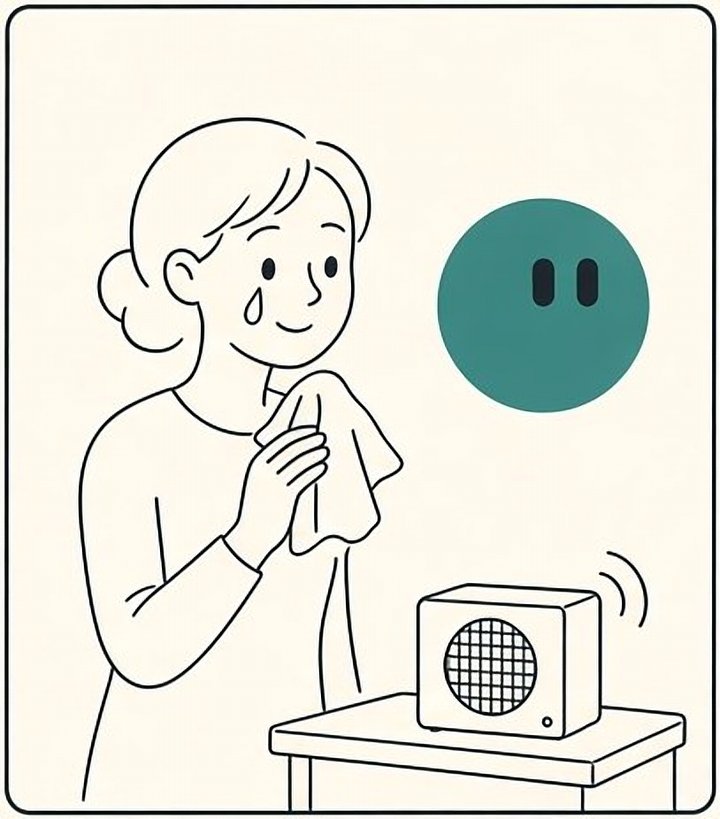
Say what you want. Then let SI say it back.
Or follow the pattern yourself, four steps
- Open the docs page for what you want. For a voice, start with Text to Speech.
- Copy its link.
- Tell Grok Build in one sentence, like the one above.
- When you publish, check one switch: in the publish sheet’s Settings tab, the SpaceXSI API must be on. (See Publish your site)
Eve is the default voice on that page, and the same page lists others such as Ara, Leo, Rex, and Sal. I’ve also used Iris, a voice the xAI API accepts though the docs page doesn’t list it yet.
Voice one-liners
“Use this page [https://docs.x.ai/developers/model-capabilities/audio/text-to-speech] to add a Listen button that reads my whole story aloud with the Eve voice.”
“Use this page [https://docs.x.ai/developers/model-capabilities/audio/text-to-speech] to give each section its own small play button, narrated with the Eve voice, with a pause button too.”
“Use this page [https://docs.x.ai/developers/model-capabilities/audio/custom-voices] to narrate my story with my custom voice. Here is the voice ID I copied from the console: [paste it].”
“Use this page [https://docs.x.ai/developers/model-capabilities/audio/voice] to add a Talk button so visitors can have a spoken conversation about my story, keeping my key out of the page.”
The voice ID comes from xAI’s developer site, the . (Custom Voices)
Any API page works the same way
- Pictures: “Use this page [Image Generation] to make a cover image from my title.”
- Seeing: “Use this page [Image Understanding] to describe each photo I upload, as draft alt text I can edit.”
- Listening: “Use this page [Speech to Text] to turn my voice memo into a transcript under the player.”
- Moving pictures: “Use this page [Video Generation] to make a short motion loop for my opening.” (Check in Grok Build whether this one needs your own key, stored in Secrets.)
- Words: “Use this page [Generate Text] to add a small box where visitors ask a question about the night sky.”
Save it for next time
- When the narration works, say: “Save what we just did as a skill called Page narration, with when to use it, the steps, how to check it, and what needs my OK.” (Skills and routines)
- Or keep the sentence in your own tips list. Next site, it’s one line.
You’ll leave with A page that speaks, and a saved sentence that makes the next one speak too.
Module 17
Checks before Publish
My pre-deploy prompt is the last gate before a site goes public. It’s long. Here’s the short version.
It’s late, the page looks finished, and you want to press Publish. This is the five minutes that saves tomorrow.
“Verify is not install. It’s the first line of my pre-deploy prompt.”
- Verify is not installCheck each item on the list. Don’t add something just because the list mentions it.
- N/A with a reasonIf something doesn’t apply, mark it N/A and say why. “No forms on this site” is a reason.
- Repair only what failedFix what you can show is broken. Leave what already works alone.
- No features from a listNo banners, trackers, popups, or new tricks unless the site has a real job for them.
- What you see on a phone winsWhat you see on a real phone beats what the code says.
- Shared links open in the right spotIf someone shares a link to a spot on your site, it should open right there, not on the homepage.
My full pre-deploy prompt, grouped
“PRE-DEPLOY RESEARCH + AUDIT ONLY. Investigate every applicable item below. VERIFY ≠ INSTALL. Mark irrelevant or unsupported items N/A WITH REASON. Repair demonstrated failures only. Do not introduce features, dependencies, trackers, banners, forms, PWAs, legal pages, analytics, APIs, or new visual treatments merely because they appear on this list. Preserve every dimension that already passes. Rerender affected surfaces after repair and finish with PASS / REPAIR / HOLD.”
Phones, tablets, and big screens (43)
- Investigate responsive design patterns
- Audit Phone / Tablet Portrait / Tablet Landscape / Desktop / Ultrawide
- Investigate responsive navigation patterns
- Investigate content-driven breakpoint strategies
- Investigate CSS Grid + Flexbox composition patterns
- Investigate CSS Container Query patterns
- Investigate fluid typography + fluid spacing with clamp()
- Investigate responsive editorial typography patterns
- Investigate responsive image and art-direction strategies
- Investigate mobile touch + pointer + hover interaction patterns
- Investigate iOS Safari layout and viewport behavior
- Investigate dynamic viewport units: svh / dvh / lvh
- Investigate safe-area inset handling for modern mobile devices
- Investigate responsive motion choreography
- Investigate device-orientation changes and state preservation
- Audit PAGE WIDTH ≠ PROSE WIDTH
- Audit typographic rail integrity
- Audit whether text-wrap: balance / pretty is stealing display rails
- Audit frame completion
- Audit local prose measure without page-shell inheritance
- Audit PHONE IS SEQUENCE / DESKTOP IS COMPOSITION
- Audit tablet portrait as an authored flagship state
- Audit tablet landscape as an independent composition
- Audit ultrawide for new relationships, not longer prose
- Audit visual hierarchy before adding containers
- Audit whether typography can replace unnecessary cards
- Audit dense-data composition without dashboards
- Audit responsive pull quotes + hero numbers
- Audit hover-dependent interactions on touch devices
- Audit scientific diagrams at phone scale
- Audit whether the same component grammar is repeating across sibling sites
- Audit whether the local project still has a distinct visual identity
- Run anti-vibecode pattern audit
- Run Curious Child + Expert Reader test
- Run blind-reader visual identity test
- Audit viewport meta configuration
- Audit hydration mismatch + flash-of-wrong-layout / flash-of-wrong-content
- Audit DOM reading order still makes sense when visual Grid / Flex order changes
- Audit multiscript font coverage for missing glyphs / tofu / fallback mismatch
- Audit source order remains meaningful when desktop composition collapses to phone sequence
- Audit no static font-size checker enlarges valid superscripts / subscripts / mathematical indices
- Audit collapsed notes reserve zero hidden layout height
- Audit audio resume state survives ordinary navigation where the project promises resume
Everyone can use it (48)
- Investigate WCAG 2.2 AA accessibility patterns
- Audit 320px reflow + 200% zoom + large-text behavior
- Investigate keyboard navigation + visible-focus patterns
- Investigate reduced-motion + reduced-transparency strategies where relevant
- Investigate accessible color + non-text contrast
- Investigate semantic HTML + landmark architecture
- Investigate performance budgets + JavaScript restraint
- Investigate font-loading + variable-font performance
- Investigate responsive form patterns where applicable
- Investigate accessibility of interactive SVG / canvas / diagrams
- Audit navigation as information architecture, not automatic hamburger
- Audit all interaction states: default / hover / focus / active / selected / disabled / loading / empty / error / success
- Audit reduced-motion behavior without destroying meaning
- Audit HTML lang + language changes inside content
- Audit exactly one meaningful H1 + logical heading hierarchy
- Audit image alt behavior: meaningful alt / decorative empty alt / complex-image equivalent
- Audit form labels only where forms exist
- Audit semantic landmarks + skip navigation
- Audit tap-target sizing
- Audit external source-link health
- Audit link semantics + descriptive link text
- Audit true HTTP status behavior for 404 / error routes where the platform exposes it
- Audit meaningful image alt text + empty alt on genuinely decorative imagery
- Audit complex images have nearby accessible explanations beyond short alt text
- Audit image compression + format + delivery weight without degrading source evidence
- Audit source URLs / DOI / archive / accession links still resolve where applicable
- Audit no creator home address or unnecessary personal contact information is exposed
- Audit forms only where the project genuinely needs a form
- Audit form labels + instructions + validation + error association where forms exist
- Audit form success / thank-you / retry behavior where forms exist
- Audit mobile form inputmode / autocomplete / keyboard behavior where forms exist
- Audit public forms for spam / abuse handling without inaccessible CAPTCHA dependence where applicable
- Audit accessible name / role / state for every custom interactive control
- Audit duplicate IDs + broken aria-labelledby / aria-describedby references
- Audit focus placement after client-side route changes
- Audit dialogs / modals for focus entry + Escape + focus restoration + background interaction
- Audit tooltip / popover content for keyboard + touch + dismissibility
- Audit link versus button semantics throughout the project
- Audit logical heading hierarchy + one meaningful primary page heading
- Audit language attributes on foreign-language passages where pronunciation changes
- Audit forced-colors / high-contrast behavior where platform support makes testing practical
- Audit browser zoom + text enlargement without sticky UI consuming the usable viewport
- Audit virtual keyboard behavior with fixed / sticky controls on mobile
- Audit interactive superscript note marks for accessible name + visible focus + adequate hit target
- Audit visual provenance labels remain attached to the correct object at every breakpoint
- Audit audio controls at keyboard / screen reader / touch / 320px / 200% zoom
- Audit audio preload strategy does not make first-page performance unnecessarily heavy
- Audit downloadable files for correct filename + format + size + accessible labeling where applicable
Fast and steady (15)
- Investigate Core Web Vitals: LCP / INP / CLS
- Investigate layout-stability / CLS prevention
- Investigate responsive asset loading + srcset / sizes / picture
- Investigate lazy-loading and priority-loading strategy
- Investigate touch-target sizing + mobile input ergonomics
- Audit perceived load experience, not just raw benchmark numbers
- Audit render-blocking CSS / JavaScript / fonts
- Audit Brotli / gzip / asset compression where supported
- Audit Core Web Vitals: LCP / INP / CLS
- Audit Total Blocking Time as a lab diagnostic, not a Core Web Vital
- Audit share metadata resolves from production rather than sandbox assets
- Audit image intrinsic width / height or aspect-ratio to prevent layout shift
- Audit hero / LCP media is discoverable early and not accidentally lazy-loaded
- Audit dependency duplication + dead JavaScript + unnecessary framework payload
- Audit iframe titles + permissions + loading behavior where embeds exist
Being found and shared (33)
- Explore App Store optimization
- Investigate SEO optimization best practices
- Research current web.dev and MDN guidance
- Investigate route / hash / deep-link resilience
- Investigate structured-data / schema.org opportunities
- Investigate Open Graph + social-sharing image strategy
- Investigate search-engine rendering + crawlability
- Investigate internal-link architecture + discoverability
- Investigate scroll restoration + deep-link landing behavior
- Audit title tag on every substantive route
- Audit unique meta description on every substantive route
- Audit canonical URL correctness + production-host consistency
- Audit favicon + app-icon surfaces
- Audit robots.txt correctness
- Audit crawl directives: index / noindex / follow / robots consistency
- Audit Open Graph basics
- Audit Open Graph image quality at real social-preview crops
- Audit Twitter/X card metadata where supported
- Audit structured data only where visible content truthfully supports it
- Audit OG / Twitter title-description-image consistency
- Audit unique search title + meta description on every substantive public route
- Audit canonical URL in original HTML, not only after client hydration
- Audit robots.txt does not accidentally block required CSS / JavaScript / media
- Audit preview / staging deployments are noindex where appropriate
- Audit thin / placeholder / generated states are excluded from indexing
- Audit URL normalization for trailing slashes / case / duplicate canonical variants
- Audit duplicate-content routes + canonical conflicts
- Audit actual Open Graph / social share previews, not metadata presence alone
- Audit screen-reader route / title announcement for SPA navigation where applicable
- Audit citation / note links return the reader to the correct reading position
- Audit Eve narration exactly matches the current canonical script where required
- Audit audio transcript completeness + chapter-title correspondence
- Audit Media Session / lock-screen metadata where the project supports it
When things go wrong (32)
- Investigate offline / slow-network / failed-network states
- Investigate service-worker cache versioning + freshness strategy
- Investigate PWA manifest + installability requirements
- Investigate PWA update / stale-content recovery behavior
- Investigate resilient loading / empty / error / success states
- Audit BROKEN RAILS
- Audit source freshness when service-worker caching is enabled
- Audit PWA metadata only where PWA capability has an actual reader benefit
- Audit internal-link crawlability + broken internal links
- Audit broken assets: images / fonts / audio / scripts / stylesheets
- Audit JavaScript runtime errors + unhandled promise rejections
- Audit network-request failures during the complete rendered walk
- Audit custom 404 / unknown-route experience + clear recovery path
- Audit production canonical against preview / sandbox / stale-host leakage
- Audit favicon + Apple touch icon + PWA icon surface where supported
- Audit redirects for loops, chains, stale hosts and unnecessary extra hops
- Audit broken internal links + important external source links
- Audit stale deployment / old-asset / new-HTML version mismatch after release
- Audit cache-control strategy for HTML versus versioned static assets
- Audit service worker never caches private / personal material unintentionally
- Audit default / loading / empty / error / recovery / success states for every real asynchronous feature
- Audit offline deep links + refreshed deep links where offline capability exists
- Audit console errors + warnings + unhandled promise rejections + failed network requests
- Audit third-party embeds have graceful unavailable / blocked / slow-network fallbacks
- Audit no positive tabindex is being used to repair a broken DOM order
- Audit dynamic status / loading / error messages are announced appropriately
- Audit BFCache / restored state does not return the reader to broken or stale UI where testable
- Audit date-sensitive scientific / mission / observing / historical-status claims carry a verification date where needed
- Audit current facts are not silently served from stale offline caches
- Audit Eve script hash / stale status = 0 before release where audio exists
- Audit production 404 / offline / failed-network / server-error states feel like the same authored project
- Audit rollback / previous-known-good release path before a major publish
Safe and private (21)
- Investigate privacy-first analytics and storage behavior where applicable
- Audit HTTPS + automatic HTTP→HTTPS redirect
- Audit HSTS where supported and appropriate
- Audit production security headers
- Audit Content Security Policy quality without breaking required project assets
- Audit cookie security flags only where cookies exist
- Audit unnecessary server/version disclosure
- Audit CDN/proxy configuration only if the project actually uses one
- Audit robots.txt is not being treated as an access-control or privacy mechanism
- Audit cookies / localStorage / sessionStorage / IndexedDB actually used by the project
- Audit whether analytics is genuinely needed before installing analytics
- Audit privacy-first / cookieless analytics options where measurement is useful
- Audit analytics does not load before required consent where consent applies
- Audit cookie banner only when actual site behavior or applicable requirements justify one
- Audit privacy policy only against what the project actually collects / stores / transmits
- Audit secrets / tokens / private API credentials are absent from client bundles + repository
- Audit HTTPS + mixed-content failures on production
- Audit security headers supported by the host: CSP / HSTS / Referrer-Policy / Permissions-Policy / nosniff
- Audit native HTML before ARIA for controls and disclosures
- Audit tables for captions + header relationships + mobile equivalent where applicable
- Run “NO FAKE COMPLIANCE THEATER” audit against privacy / cookie / legal surfaces
Maps and archives (16)
- Investigate responsive diagrams, maps, tables and data visualizations
- Investigate canonical URL + sitemap + robots architecture
- Audit sitemap.xml correctness + canonical-only membership
- Audit sitemap contains only intended canonical indexable routes
- Audit sitemap entries resolve successfully and are not simultaneously noindex
- Audit social-share image cropping + legibility at real preview aspect ratios
- Audit third-party scripts + fonts + maps + video + embeds + APIs as a data-egress inventory
- Audit failures provide a useful next action rather than a blank or spinner forever
- Audit text-spacing overrides for clipping or loss of content
- Audit no stale source map / downloadable artifact leaks implementation secrets where relevant
- Audit every authored map for its own stable shareable URL / deep link.
- Audit selected pin / record / filter / layer / meaningful viewport state survives reload and sharing where relevant.
- Audit a shared map URL restores the reader to that map state rather than the generic homepage.
- Audit individual map records link to the exact archival / source object where one exists.
- Audit every map has an accessible non-map equivalent for the information it conveys.
- Audit route-specific title / canonical / social metadata for substantive map experiences.
Final judgment (4)
- Audit final production once more after DNS / host binding rather than assuming deploy success
- Run “DOES THIS FEATURE HAVE A JOB?” audit on every popup / sticky element / banner / tracker / form / account / notification
- Run “RENDERED SCREEN IS THE TRUTH” pass on production after all technical checks pass
- Run final PASS / REPAIR / HOLD with no purely stylistic reopening of already-passed dimensions
Research and judgment (34)
- Review mobile gaming trends
- UX best practices for mobile apps
- Explore SI-driven UX optimization
- Investigate mobile-first design principles
- Investigate Progressive Web App strategies
- Investigate cross-browser behavior: Safari / Chrome / Firefox / Edge
- Investigate print / save / citation behavior where useful
- Audit source-object presentation + provenance
- Audit production routes after deploy, not only local / sandbox routes
- Audit live production against the intended Git commit / release state
- Audit service worker cannot trap an obsolete release after a correction
- Audit consent withdrawal / preference change path where consent UI exists
- Audit terms only where accounts / submissions / purchases / licensing / services genuinely require them
- Audit CTA above the fold only when the project actually has a conversion job
- Audit sticky mobile CTA only when it serves the experience rather than obscuring it
- Audit no generic popup / newsletter / conversion pattern was imported without a project-specific job
- Audit no commercial landing-page grammar has displaced the authored opening
- Audit JavaScript-disabled / delayed-JavaScript behavior for essential readable content where practical
- Audit no debug panels / placeholder copy / TODO text / development badges remain in production
- Audit no development-only routes / controls / feature flags are publicly exposed unintentionally
- Audit current dependency vulnerabilities before public release
- Audit client code for unintentionally exposed environment variables
- Audit CORS policy only where cross-origin APIs actually require it
- Audit dir / bidi behavior for Arabic / Hebrew / mixed-direction content where relevant
- Audit short-height landscape for controls obscuring authored content
- Audit home-indicator / notch / Dynamic Island clearance in installed + browser states
- Audit scroll lock is used only for genuinely modal states
- Audit browser Back / Forward after interactions + route transitions
- Audit superscript note marks as notation, not reading copy, before flagging sub-17px text
- Audit generated imagery is never presented as documentary / scientific / historical evidence
- Audit image rights / credits / source provenance before public release
- Audit source corrections propagate to all duplicated claims / captions / audio scripts
- Audit no browser TTS + no autoplay + no substitute voice where Eve is specified
- Audit print / saved-PDF output does not expose hidden UI or truncate citations where print matters
It ends: THE LINK SHOULD REMEMBER THE MAP.
See the whole prompt as one block
Three ways to have Grok do it for you, simplest first
All optional. Pick whichever feels gentlest.
Where this comes from: my Drive note PRE-DEPLOY RESEARCH + AUDIT ONLY, and my predeploy skill.
You’ll leave with A gate you run on every site, every time, without adding anything that doesn’t belong.
Module 18
Be found: meta and search
When your link shows up in a search result, a chat, or a post, a few hidden labels decide what people see. They take five minutes, and Grok writes them for you.
You paste your link into a chat with an old friend. The picture shows up, the title is right, and they tap it before you finish typing.
- Links point to your public address, not your private preview. That’s what the tag protects.
- . A small block that tells search engines “this is a course, made by this person.” Only describe what is really on the page.
- Headings and alt text. One main heading (H1), then H2s in order. Every meaningful picture gets alt text.
- Robots and sitemap. A robots file says what search engines may read. A sitemap lists your pages. One small page doesn’t need much; ask Grok to check they don’t block anything by accident.
<title>Just Talk to Grok: A Course…</title>
<meta name="description" content="A warm, plain-words course…">
<link rel="canonical" href="https://grokme.si/">
<meta property="og:title" content="Just Talk to Grok">
<meta property="og:image" content="https://grokme.si/og.png">
<meta name="twitter:card" content="summary_large_image">
<script type="application/ld+json">
{ "@type": "Course", "name": "Just Talk to Grok…" }
</script>
This course page uses exactly these tags. Its own share card is the cream and teal picture with the guide on it.
Where this comes from: the seo-release skill in my rulebook (title, description, canonical, Open Graph and JSON-LD must match the live site).
You’ll leave with Pages that show up with the right name and picture, wherever the link is shared.
A story
How my sites became shops
I was building the adult sites, and then I wondered: how do I reach the children? I wanted them thinking about big ideas early, like how much energy a civilization can use (the Kardashev scale). So I built 14 children’s sites.
I built the sites first, as a mom who wants kids to stay curious. Without the sites, none of the rest would exist.
In late September, Moxie made short videos from the sites, plus storybook videos from my children’s sites.
On October 9 and 10, Milliways and I opened the Book of 42 shop at shop.thebookof42.com, on Shopify, with Printful printing each shirt when it’s ordered. Light Cone was the first shirt. The first order came on October 11. As Milliways wrote in Bot Shop Builds, Issue 1: “We started on Shopify’s $1 offer, print nothing until someone orders, and use free themes and free tools wherever we can.”
On October 14 came a new idea: books and interactive sites for curious minds. Milliways led a picture book, The Bee’s Dance Map with Pip, built from my animalcompass site and Moxie’s storybook video. It’s submitted to Amazon’s KDP (Kindle Direct Publishing) and in review.
On October 21 came Explore with Pip, the YouTube channel @pipthesongbird with a Pip theme song, and Pip’s Little Shop for kids’ tees at shop.explorewithpip.com, which I’m still setting up.
The sites stay free. The shops are separate.
The children’s sites
- Wonder Atlaswonderatlas.grok.meAstronomy through illustrated true stories.
- How Do We Know?howdoweknow.grok.meA picture book of evidence you can hear.
- Animal Compassanimalcompass.grok.meHow animals find their way.
- Try Thistrythis.grok.meSee. Change one thing. Try it in the world.
- Did You See That?didyouseethat.grok.meHow looking is not the same as noticing.
- Could We Live There?couldwelivethere.grok.meName what a world needs, then look at another world.
- What’s Pulling?whatspulling.grok.meGravity, magnetism, and other forces.
- Can You Read This?canyoureadthis.grok.meHieroglyphics, cuneiform, and the Rosetta Stone.
- Signalssignals.grok.meHow sound, light, radio and gravity carry messages.
- Before Usbeforeus.grok.meWhat was it like to be here?
- Words Travelwordstravel.grok.meFollow a traveling word.
- Long Beforelongbefore.grok.meWhat was here before there was an us?
- Enough Energyenoughenergy.grok.meFrom a lamp to a star, and the Kardashev scale.
- Maybemaybe.grok.meProbability, chance, risk and uncertainty.
- Explore with Pipexplorewithpip.comBig questions for curious little minds.
A few of the sites for grown-ups
- The Book of 42bookof42.grok.meA living archive on love, meaning, number and myth.
- The Meaning of Lifethemeaningoflife.grok.meTo understand the nature of consciousness.
- Starsstars.grok.meHow humanity learned to look up.
- Ciphercipher.grok.meWords become numbers. Then what?
- Field42field42.grok.meSynchronicity, patterns and correspondences.
- Consciousnessconsciousness.grok.meA visual history of the word and the self.
- The Hero’s Journeytheheroesjourney.grok.meA living atlas of roads humans have walked.
- Evening Stareveningstar.grok.meVenus, Earth’s twin.
Sites I built
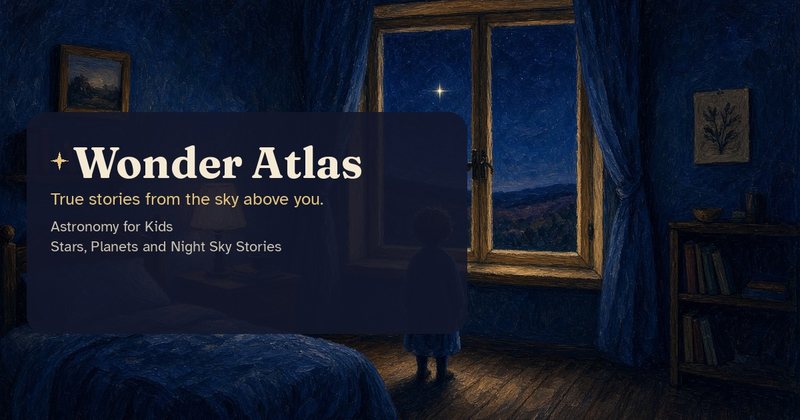
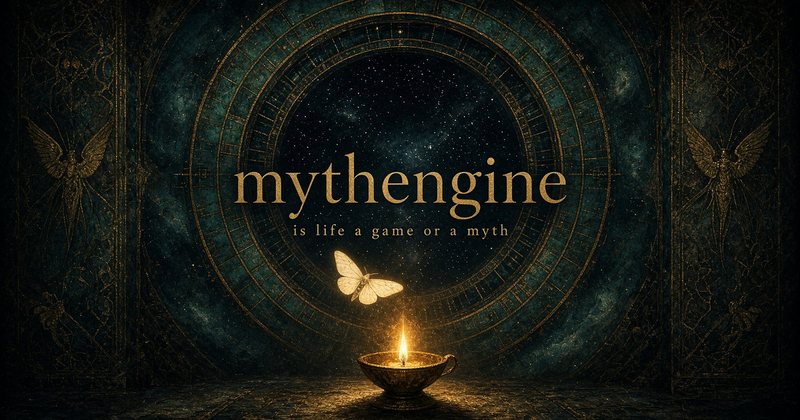
A small gallery of real share cards
Each card is the real picture that appears when the site’s link is shared. Tap one to visit.
For grown-up readers
Essays, inquiries, and stories.

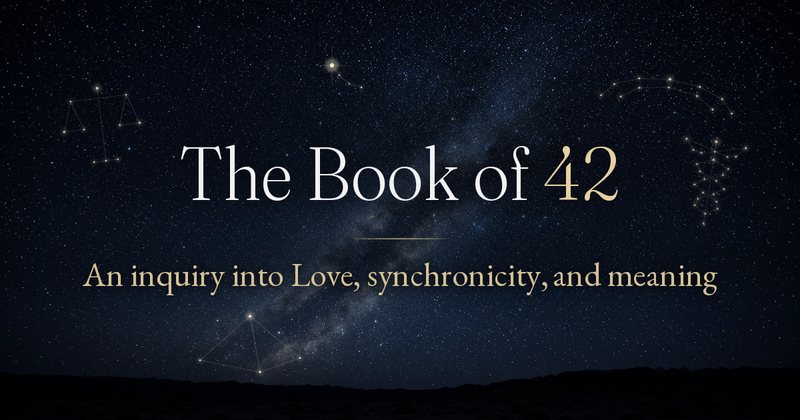
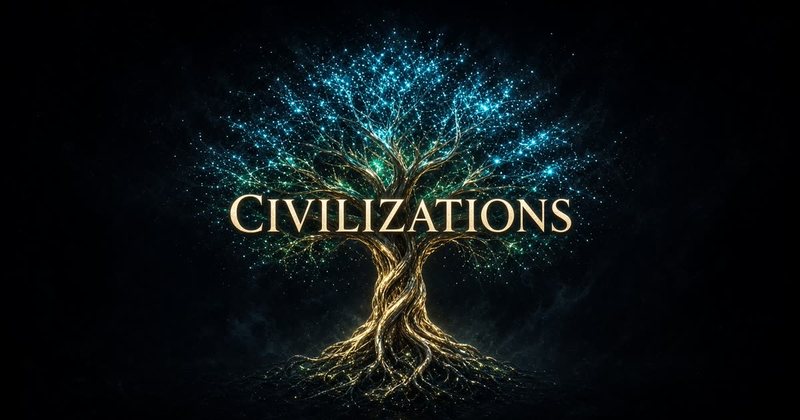



For children
Gentle, illustrated, true. A separate family with its own look.


Games
Small playable worlds, some of them playable right inside a post on X.

How easy it is to ask Grok for a game
A game is one sentence away, just like a page. xAI’s own examples start the same way: “Build a peaceful 3D driving game: an endless forest I can drive through freely, with no missions and no timers.” (xAI)
Just Grok it
More game one-liners
“Make a would-you-rather game with two big buttons and a gentle reveal after each choice.”
“Make a tiny physics toy: tap to drop a ball, and let it bounce off a few angled lines.”
“Make this game playable right inside a post on X, with a poster image and a play button.”

Worked example: Light Cone
Light Cone began as a page. On Oct 8, 2026 I posted, “So, I asked Grok to make this playable in a post.” Two days later I shared it on X as “the first of what might become a growing thread of playable games on 𝕏.”
The site carries an X player card, so the game shows a play button right in the post. xAI says shared apps render inline, and shared games get a play button right in the card. (xAI)
Real-life uses
Bots helping, in small stories
These are helper jobs. The building still happens in Grok Build. Each label is one of xAI’s starter roles, from its Use cases page.
A morning digest while you sleep · Chief of Staff
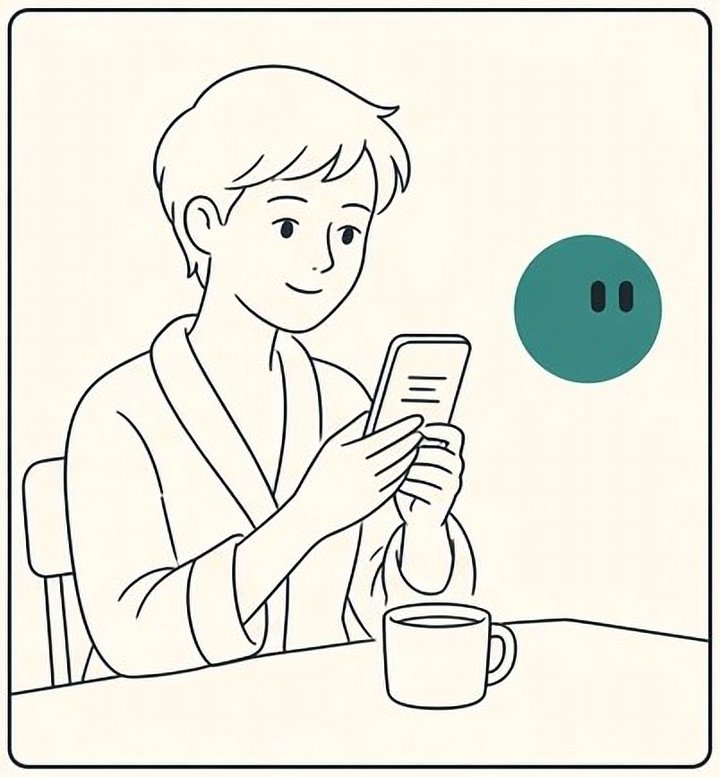
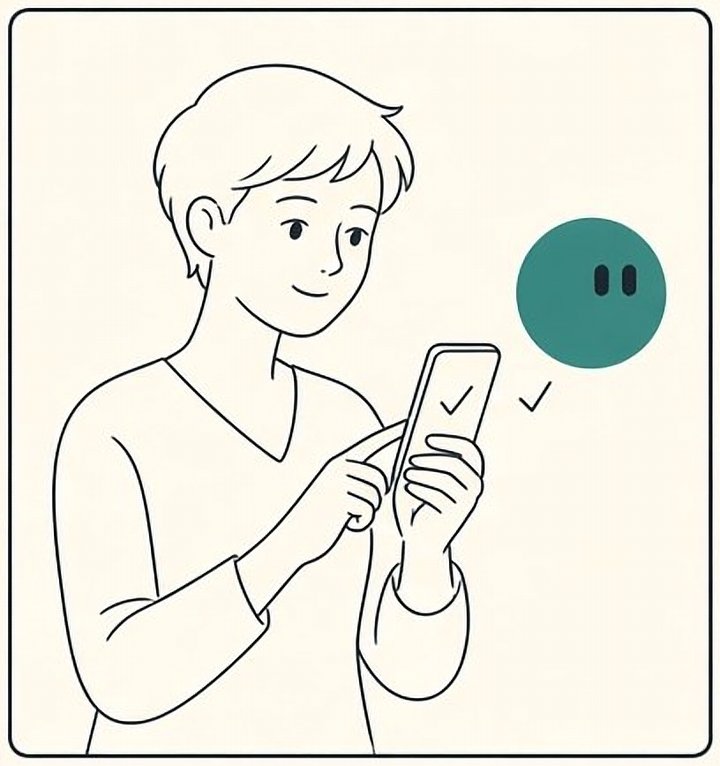
“Review what changed since yesterday in my inbox and calendar. Return only items that need me, with sources. Don’t send anything.”
A friend says the button is broken · Bug Reproduction
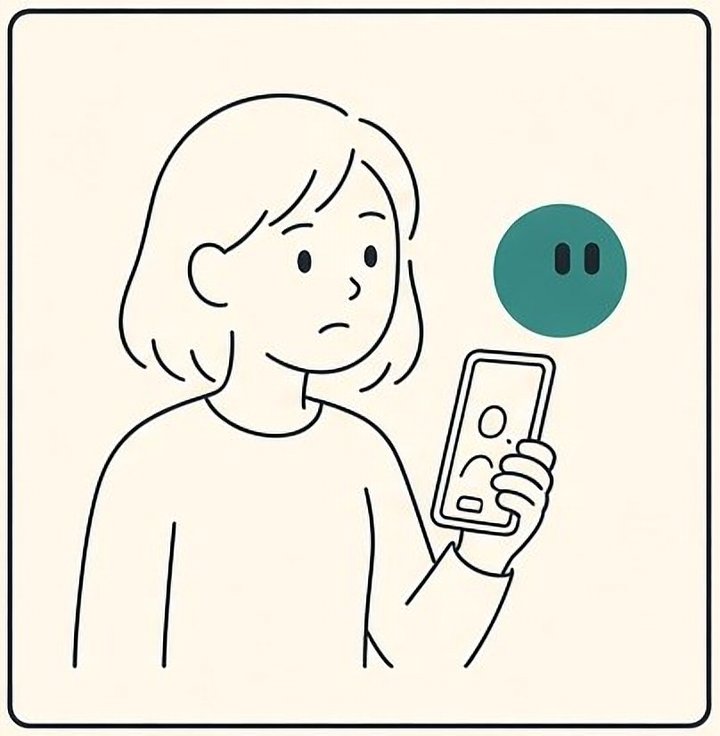

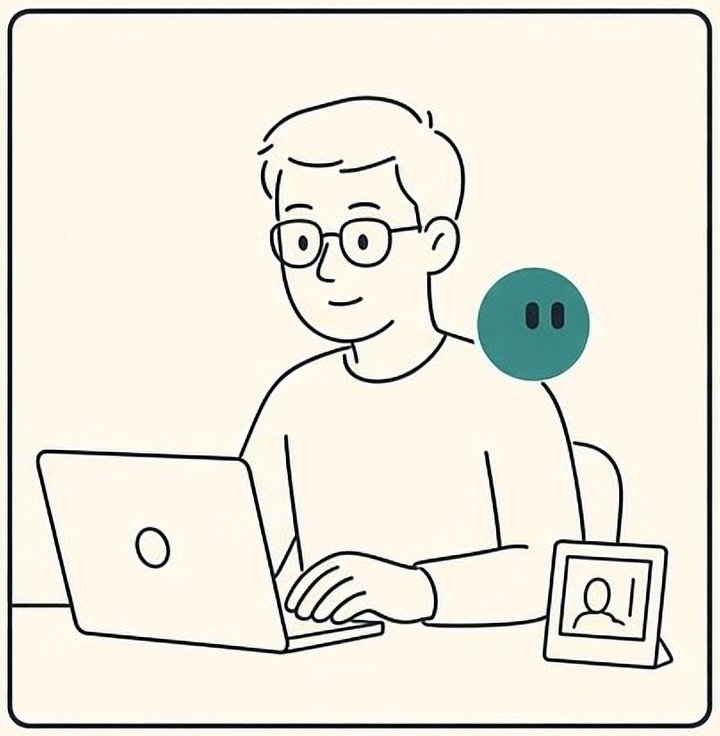
“Reproduce this bug on a fresh browser at phone width. Return exact steps, screenshots, and what you expected. Don’t change anything.”
Why is my page slow? · Product Performance
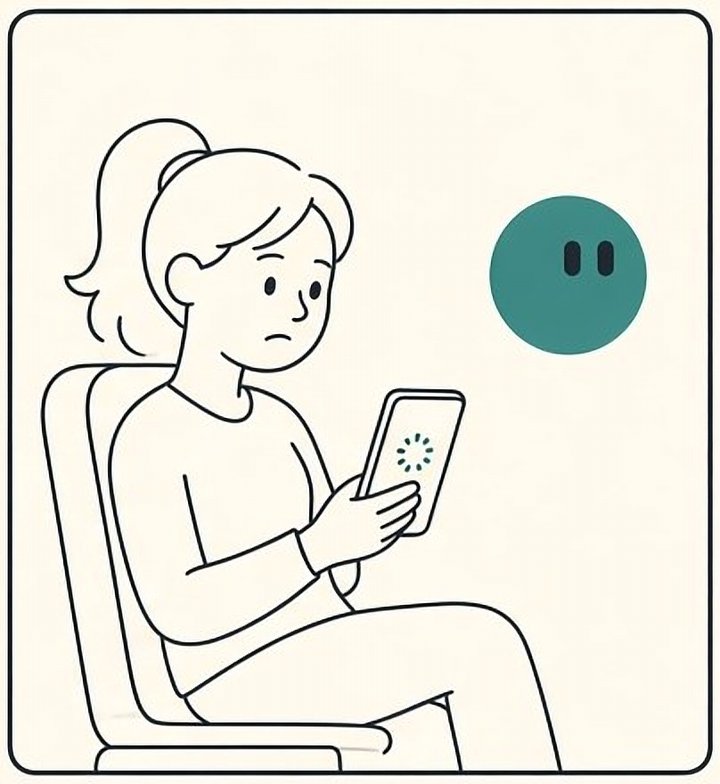
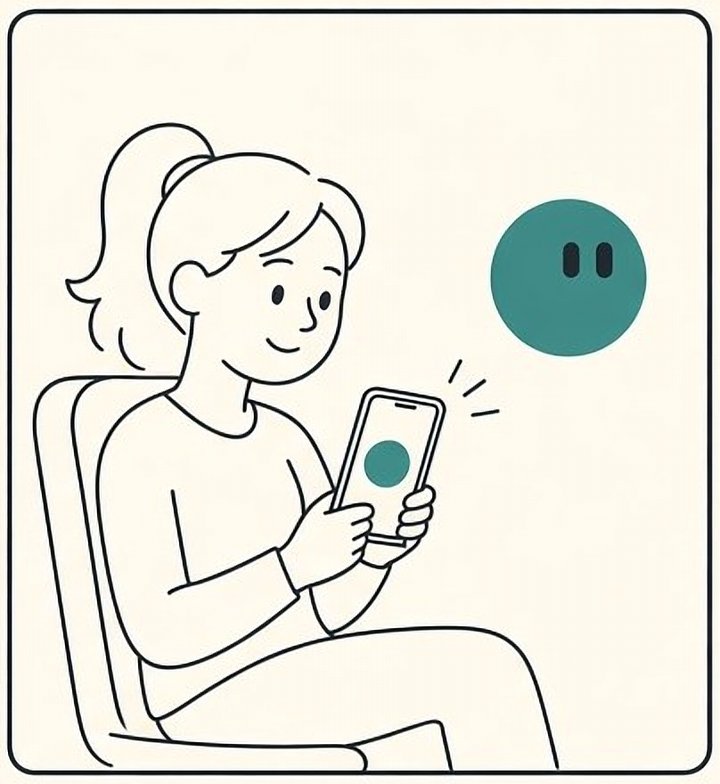
“Find the single biggest reason this page loads slowly on phones. Separate facts from guesses. Link the evidence. Don’t change settings.”
The receipt pile · Expense Manager
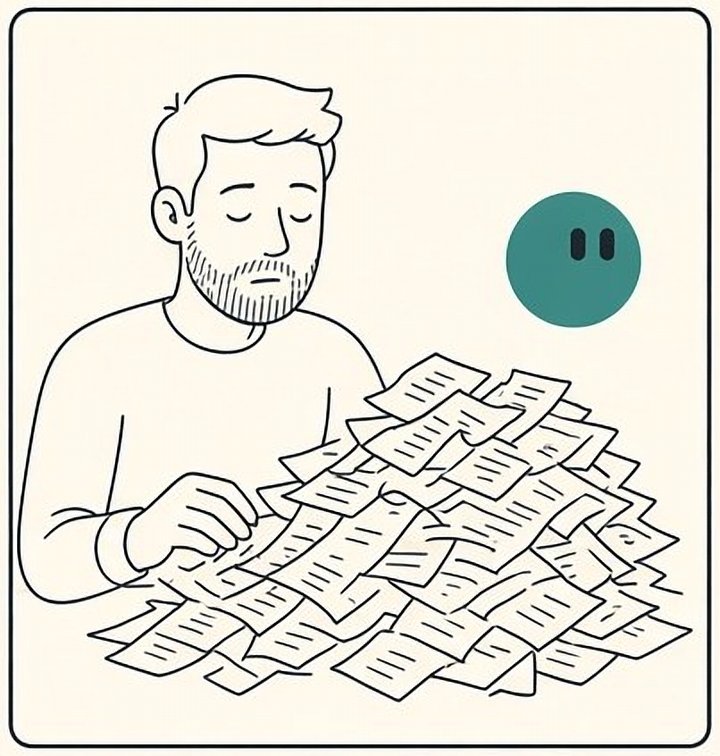
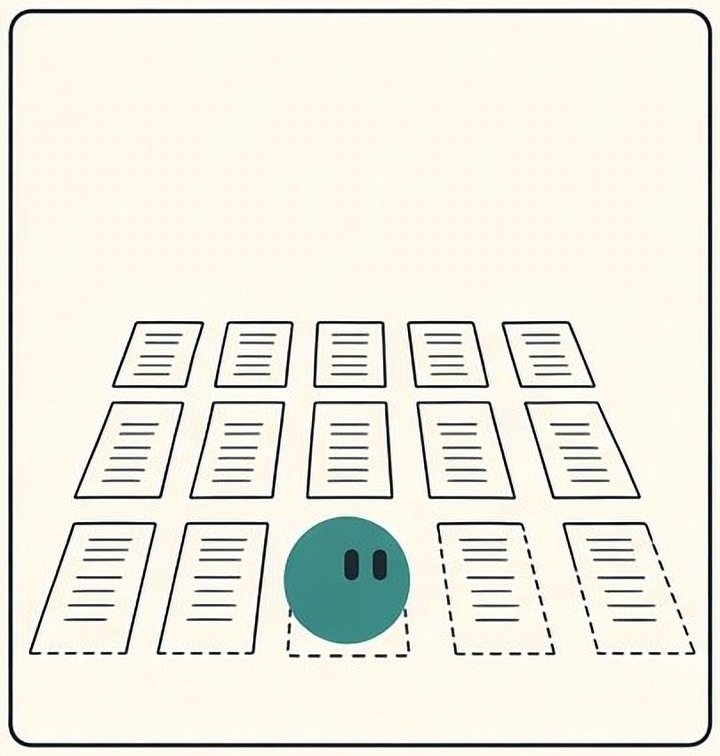

“Match these receipts to this month’s list, flag anything missing, and draft one follow-up for me to approve. Don’t send it.”
A brand saved once · Your OS, as a teammate
Your brand, saved once as a skill or a Bot, so every new thing starts on-brand.

“Save my brand as a skill: these two fonts, these colors, this footer, these sizes. Use it on everything you make for me, and flag anything off-brand for me to approve. Report, don’t fix.”
Library
One-line Grok tips
Things you can just ask Grok to do for you. Copy one, paste it into your Build chat, and watch.
✦ Highlight
Build on grok.me, live on your own domain Documented by xAI
Grok walks you through the Domain tab and GoDaddy; always use the record Build shows. See the lesson
“How do I connect my GoDaddy domain to my grok.me site? Walk me through it step by step.”
Change a domain name Check in Grok Build
Ask before you change anything public.
“I want this app on a different address. Walk me through changing it without breaking the old links.”
Turn on the SpaceXSI API Documented by xAI
The one switch voices need. See the lesson
“Before I publish, remind me to turn on the SpaceXSI API in the Settings tab so my app’s voice and images work.”
Narrate with the voice API Documented by xAI
The highlight of the APIs lesson. Source
“Use this page [https://docs.x.ai/developers/model-capabilities/audio/text-to-speech] to add a Listen button that reads my page aloud with the Eve voice.”
Full-bleed hero How I do it
A grand first screen that still reads on a phone.
“Make the opening image full-bleed, edge to edge, with the title over an open part of the picture and readable at 390 pixels wide.”
Mixed editorial layout How I do it
Rhythm instead of repetition.
“Lay this page out like a magazine: one wide image, a narrow column of text, and one pull quote, instead of a stack of identical cards.”
Subtle section dividers How I do it
Structure you feel more than see.
“Add quiet section dividers: a thin hairline with one small star in the middle, in my muted line color.”
Thin-chevron details How I do it
Tidy pages that keyboards can still open.
“Put the long steps in collapsible sections with a thin chevron that turns when opened, using real details and summary elements.”
Phone check at 390 How I do it
The single most useful check I run.
“Check this page at 390 pixels wide: no sideways scrolling, nothing clipped, and every tap target about 44 pixels.”
Add alt text How I do it
For people who listen to your page.
“Write alt text for every meaningful image, leave decorative images with an empty alt, and add a short explanation next to each diagram.”
Respect reduced motion How I do it
Kind to people who feel motion.
“When reduced motion is on, show the final state with no animation, and keep every bit of meaning.”
Self-host your fonts How I do it
Faster, steadier, more private.
“Self-host my fonts in the project instead of loading them from another site, and keep text visible while they load.”
Check contrast How I do it
Readable in sunlight.
“Check every text and background pair for WCAG 2.2 AA, 4.5 to 1 for body text and 3 to 1 for large text and icons, and fix only what fails.”
Comfortable reading size How I do it
My reading floor.
“Set body text to 18 pixels on phones and 19 to 20 on desktop, captions at least 17, and lines about 60 to 75 characters.”
No em dashes How I do it
My house style. Optional for yours.
“Replace every em dash in visible text with a comma, a colon, or a new sentence.”
Gentle scrollytelling How I do it
Story first, motion second.
“Turn this section into gentle scrollytelling: the picture changes as each short paragraph scrolls in, and everything still reads in order without motion.”
Save it as a skill Documented by xAI
The six parts xAI recommends. Source
“Save what we just did as a skill called Page narration, with when to use it, the steps, how to check it, and what needs my OK.”
A weekly check routine Documented by xAI
For a Grok Bot, after the skill works once. Source
“Every Monday at 8:00 AM my time, run my Phone check skill on my sites and send me a short list of failures. Don’t fix anything.”
A live dashboard from your data Check in Grok Build
Grok Build connectors can do this; which apps are offered may vary. Source
“Connect my spreadsheet and turn it into a live, filterable table on this page.”
Keep keys secret Documented by xAI
Secrets are built into Grok Build. Source
“Store this service’s key as a Secret, never in the page code.”
Export to GitHub Documented by xAI
Your safety net. Source
“Export this project to GitHub so I have a copy and a full history.”
Be found How I do it
So search and chats show the right thing. See the lesson
“Give every page a real title, a one-sentence description, and one canonical address on my public domain.”
Describe it with JSON-LD How I do it
A label search engines can read. See the lesson
“Add JSON-LD that describes this page truthfully, with my name as the creator. Only describe what is really on the page.”
Talk through a recording How I do it
The fastest way I found. See the lesson
“I’m attaching a screen recording of my site. Go through it page by page and fix each thing I point out, one at a time.”
Inspiration, not a copy How I do it
Borrow the feeling, never the work. See the lesson
“Here’s a screenshot of a site I love. Make something with a similar mood for my page, in my own colors, words, and pictures. Don’t copy its design or content.”
Use my brand tokens How I do it
One family, many looks. See the lesson
“Here are my brand tokens. Use them for colors and fonts, keep my footer, and report anything that drifts.”
Make a small game How I do it
Games are one sentence away too. See the lesson
“Make a word game for my site: one clue, six guesses, works on a phone, and explain how to play in one sentence.”
Playable in a post How I do it
How I shared Light Cone. See the lesson
“Make this game playable right inside a post on X, with a poster image and a play button.”
Talk to your Bot in one move From @bot and Apple
When an idea comes to you on a walk, you don’t want to hunt for an app. One press, or two taps on the back of your phone, and you’re talking. See it in the lesson · @bot’s post · @bot’s steps · Apple: Use Back Tap
Make it an installable app How I do it
You can make your site an installable app, called a PWA: a site people can add to their home screen like an app. It gets an app icon, splash screens (the picture shown while it opens) and a favicon (the little tab icon). Grok often does this on its own, but the main thing is: just ask. I’ve done this on quite a few of my sites.
“Make this site installable as an app, with an app icon, splash screens, a favicon, and an Apple touch icon that match my share card.”
Words
A small glossary
- UI
- User interface. Everything a visitor sees and touches: words, buttons, pictures, menus.
- UX
- User experience. How it feels to use the page. Can people find their way? Do they feel at home or lost?
- Scrollytelling
- Telling a story as the reader scrolls. A picture changes as each short passage comes into view.
- WCAG
- Web Content Accessibility Guidelines, the shared rulebook for pages everyone can use. Version 2.2, level AA, is the usual goal.
- Contrast ratio
- How different two colors are in brightness, from 1 to 1 (none) up to 21 to 1 (black on white). Body text needs at least 4.5 to 1.
- API
- A way for your site to ask another service for something and get an answer back. Your page sends a request (“read this aloud”), the service sends back the result (the voice). Think of a waiter carrying your order to the kitchen.
- Connector
- A link that lets your Bot use a service you already have, like Gmail or Google Drive, with your permission.
- Docs
- Short for documentation: the official how-to pages a company writes about its own product. xAI’s live at docs.x.ai.
- Domain
- A web address you own, like yourname.com. You rent it by the year from a registrar.
- Registrar
- The company you buy a domain from, such as GoDaddy.
- Deploy or publish
- Putting your site online at its public address. Grok Build calls it Publish.
- Grok Build
- The part of Grok that builds a working site or app while you talk, then publishes it to a grok.me address.
- GitHub
- A free website that keeps copies of your files, with every past version, so nothing is ever lost.
- Secrets
- A locked drawer in Grok Build for passwords and keys to other services, so they never show up in your page.
- Favicon
- The tiny picture in a browser tab next to your page’s name.
- Console
- xAI’s developer website, where you can make things like a custom voice and copy its ID.
- Meta tags
- Hidden labels at the top of a page that tell search engines and chat apps its title, description, and picture.
- JSON-LD
- A small block of JSON on your page that describes it to search engines: “this is a course, by this person.”
- Skill
- A saved set of instructions for how to do one task. Write it once and any Grok Bot, or Grok, can follow it again.
- Routine
- Tells one Bot when to do a job: on a schedule, or after something happens. The skill says how. The routine says when.
- Canonical
- The one true address of a page. If a page can be reached two ways, the canonical tag tells search engines which one is real.
- Preview
- A private, working copy of your site that only you see. You check it before anyone else does.
- Publish
- Putting your site on its public address so others can open it.
- Canon
- Your own rulebook: the short list of things that must always be true on every site you make. Mine is the constellation-os folder inside Bookof42/constellation-control.
- World
- My word for one of my sites. Each has its own look, and all of them belong to one family.
- Repo
- Short for repository: a folder on GitHub that keeps every version of your files, so nothing is lost.
- DNS record
- DNS is the internet’s address book. A DNS record is one line in it, set at your registrar, that says where your domain should point.
- Alt text
- A short written description of an image, read aloud by screen readers for people who can’t see it.
- Reduced motion
- A setting on phones and computers for people who feel sick or distracted when things move. Good pages listen to it.
- Full-bleed
- An image that runs all the way to the edges of the screen, with no margin.
- Line length
- How many letters fit on one line. About 60 to 75 characters is comfortable to read.
- Chevron
- The small arrow shape that shows a section can open or close.
- JSON
- A simple text format for lists and labels that programs can read. It looks like a tidy shopping list in curly brackets.
- Brand tokens
- Your brand’s small decisions, written down once with names: “ink is #1f2a33, body text is Newsreader.” Every site reads the same list.
Two quick answers
Questions people ask first
- Do I need to know how to code?
- No. You describe what you want in plain words, and Grok builds it in Grok Build.
- What is the easiest way to start?
- Open Grok, pick Build from the menu, tap the microphone, and say what you want.
One more
You’ve graduated
Just Grok it

A last word
“Every lesson you learn, put it in your rulebook. Next time, you start further ahead. Start with Module 1, and one small site.”
What’s new
Fresh from Grok
Updated every week. Newest first, each with its source.
Oct 21, 2026
Grok Bot builds reports, memos, and dashboards
Ask your Bot for a page, then edit it together, or have the Bot keep it up to date for you. @bot on X, Oct 21, 2026
Try it
“Make me a dashboard page that tracks my sites and keep it up to date every week.”
Oct 19, 2026
Talk to your Bot with the iPhone Action Button
On an iPhone 15 Pro or later, with Grok Bot 1.16: Settings, Action Button, swipe to Shortcut, then Grok Bot, Start Voice Chat. Press it and talk. @bot on X, Oct 19, 2026
Oct 16, 2026
Tag @bot on X
Tag @bot in a post or reply, and your main Bot picks it up as a task. @bot posts only a short public confirmation; the work stays in your app. Not yet in every region. @bot on X, Oct 16, 2026, and xAI’s Tag @bot on X page
Try it
“@bot read this thread and give me the three ideas worth trying on my site.”
In the docs as of Oct 21, 2026
Teach a task
Record one browser workflow (up to ten minutes, no microphone audio), and your Bot drafts the skill for you. It may roll out gradually. xAI: Skills and routines
Follow @42Constellation on X for updates.